Python Video Tutorials Released Free
In 2011 and 2012 I had released 3 commercial Python training tutorials, using Maya as a target platform. Now enjoy them free of charge!
In 2011 and 2012 I had released 3 commercial Python training tutorials, using Maya as a target platform. Now enjoy them free of charge!
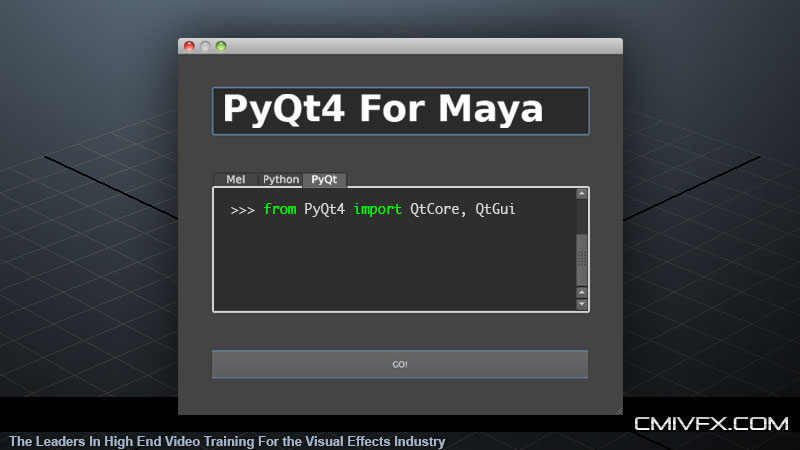 #
#Just released my 3rd python-based online training video through cmiVFX.com
A question came up in the Maya-Python mailing list that I thought was a really good topic, and should be reposted.
Someone asked how you can create maya UI objects and embed them within your main PyQt application. Specifically he wanted to create a modelPanel and embed it so that he would have a camera view within his own PyQt window.

Second video in the python for maya series, just released through cmiVFX!
If you watched the first video, you now have a good grasp on Python. Sweet. Let’s plow through some more involved concepts like python juggernauts!
This is a follow up post to my previous one on Installing PyQt4 for Maya 2011
Recently while putting together my next video tutorial for Python for Maya, I came to a section where I wanted to demo PyQt4 in Maya2012. But I was concerned that viewers would have to go through the complicated steps of building PyQt4. I noticed that other people have made available precompiled PyQt installers for windows (here) but I could not find any for OSX or linux. So I decided to put together a build.
Just released my first online video tutorial, through cmiVFX
Amazing at Animation? Master of Modeling? Conquistador of Character Rigging?
But how is your Python?
I am now hosting a built package for Maya2011: MyQt4.7.4-maya2011-x64-osx-10.6.pkg And for Maya 2012+, see: Installing pyqt4 for maya2012
Personally, when trying to run PyQt from within Maya 2009 / 2010 using the pumpThread method, I never had much luck. The best I ever got was the ability to bring up a dialog but not without locking up the UI, even though the pumpThread tool is meant to address that.
This is a story about my journey in solving a problem at work involving curves. The solution seemed really simple at first, but because of a stupid Maya issue, this turned into me having to rewrite the tool 3 times before I discovered a surprising solution.
Because we rely heavily on the process of importing Illustrator .ai files into Maya as nurbsCurves, we constantly have to deal with curves that intersect themselves. This is a result of the curves having been hand drawn originally in the art department, and they posed issues during rendering after being planar-ized.